Stay connected with a Nomad data eSIM when travelling!
Get a Nomad data eSIM starting from less than ZAR5/GB
Shop now
Eswatini
Starting from ZAR 79.90/GB
Botswana
Starting from ZAR 62.90/GB
United Arab Emirates
Starting from ZAR 23.40/GB
Nigeria
Starting from ZAR 46/GB
Rwanda
Starting from ZAR 36.30/GB
Lesotho
Starting from ZAR 31.45/GB
Mozambique
Starting from ZAR 72.60/GB
United States
Starting from ZAR 13.24/GB
Zambia
Starting from ZAR 36.30/GB
Kenya
Starting from ZAR 47.60/GB
Zimbabwe
Starting from ZAR 93.60/GB
Ghana
Starting from ZAR 27.45/GB
Germany
Starting from ZAR 10.32/GB
Namibia
Starting from ZAR 403/GB
France
Starting from ZAR 11.30/GB
Tanzania
Starting from ZAR 23.40/GB
Australia
Starting from ZAR 10.32/GB
China
Starting from ZAR 11.30/GB

Near-local price
No contract, no hidden fees, no unexpected roaming charges
Connect Instantly
No more waiting in line, get your eSIM contactlessly within 5 mins

Convenient & Flexible
Keep your primary SIM for call & text, no more swapping SIMs at the airport
Forget about roaming, get a Nomad eSIM and enjoy your trips
Nomad eSIM FAQ
01
What is eSIM?
02
How to install eSIM?
03
Is my device compatible with Nomad’s eSIM?
04
Can I keep my primary SIM while using Nomad’s eSIM?
05
What if I run out of data?
06
Is hotspot and tethering supported?
07
Does the eSIM Include a Local Phone Number?
08
How much data do I need while travelling?
09
How does using an eSIM compare to Pocket WiFi?
10
Are there long-term plans available?
How to Install and Activate Nomad eSIM
You can buy and install the eSIM now but activate only when you need it. Just make sure to activate your plan within 30 days of purchase date. After that, it will automatically activate and start the expiry.
01
Install your eSIM
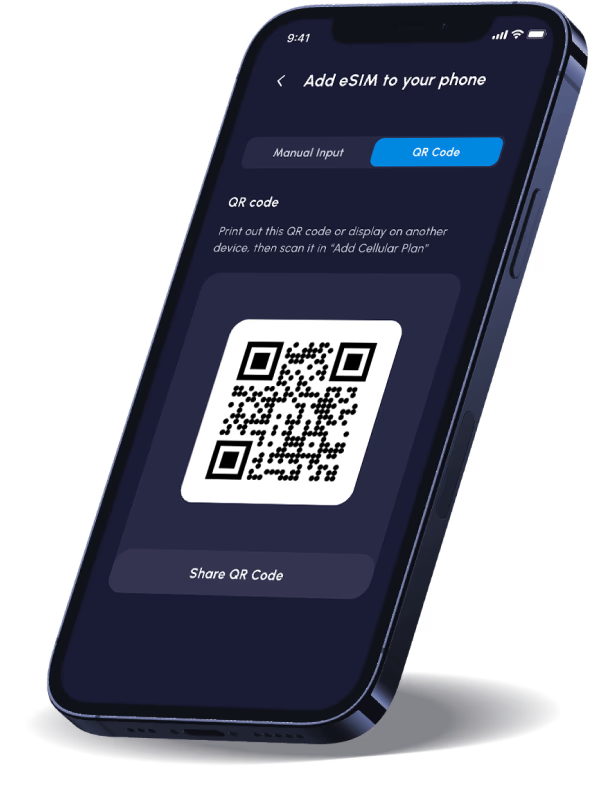
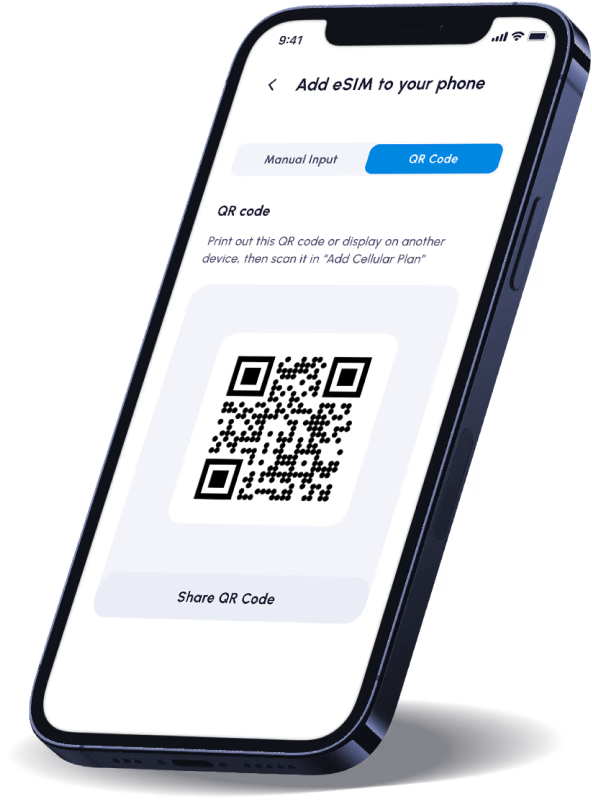
Scan the QR code that is provided to install your eSIM. You will need internet connection to install your eSIM. The eSIM is now added to your phone.
02
Start Your eSIM
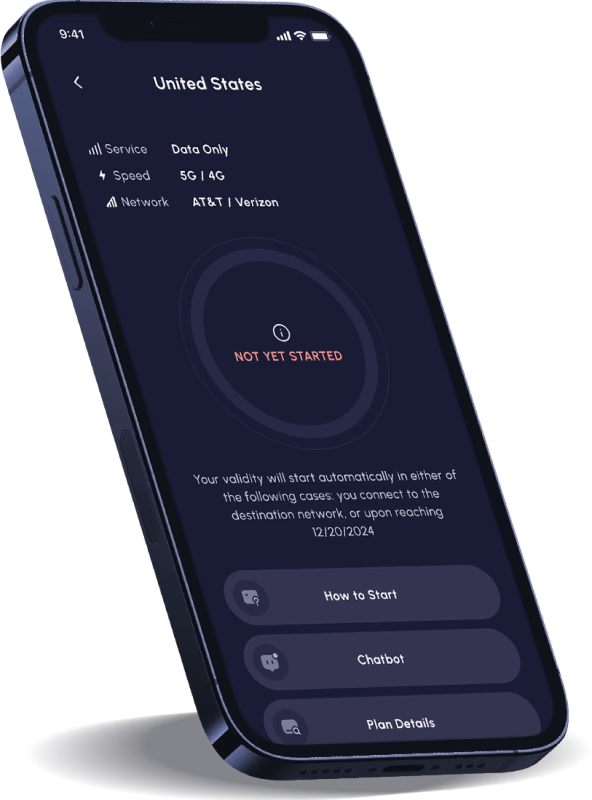
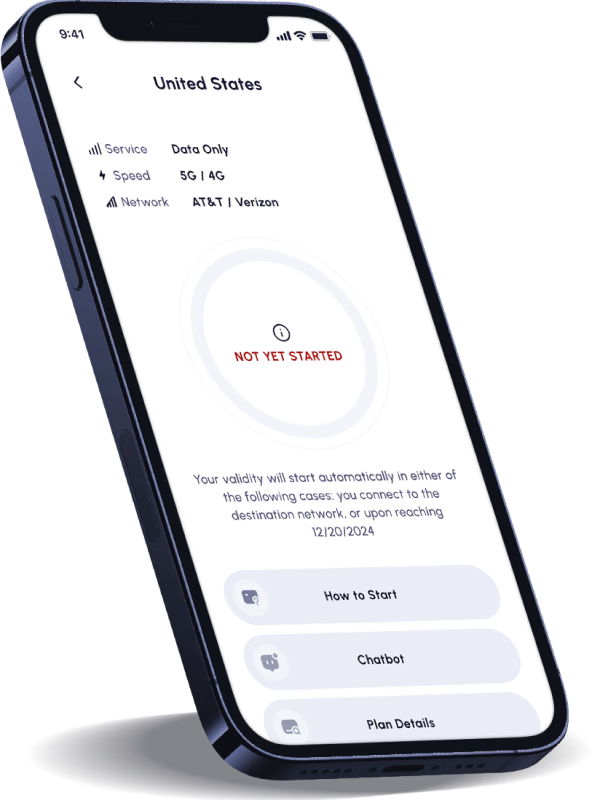
Your plan will start automatically once connected to the destination network (as detailed in Step 3).
03
Connect at destination
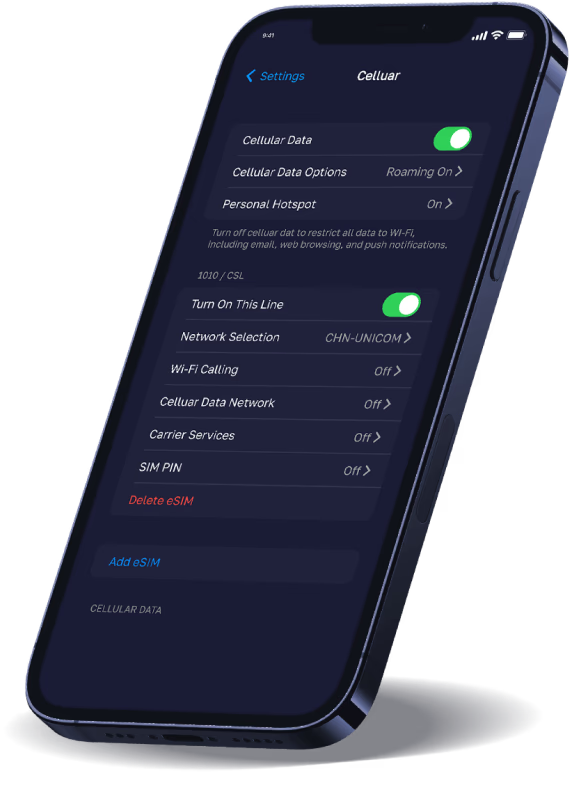
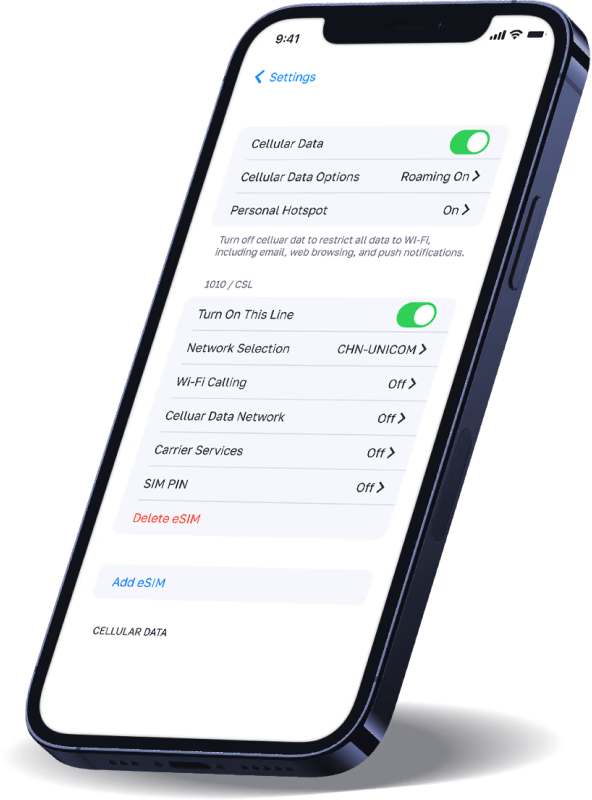
Step 1. Go to Settings > Cellular and turn this line on.
Step 2. Make sure "Data Roaming" is toggled on and you are selecting the Nomad eSIM for "Cellular Data".
Featured in


Hear from Nomad Users
See why customers rate us 5 stars on Trustpilot!


